Classification of Computers
| By Type | By Size | By Purpose |
|---|---|---|
|
|
|
1. Analog
An analog system is one where processes happen continuously; data changes naturally over time. It is connected to the real world—for example, through variables like temperature, speed, or voltage.
Analog systems have three main characteristics:
- Continuous: In an analog system, data changes continuously without any breaks or interruptions.
- Physical Quantities: Analog systems work with real-world elements such as temperature or speed. For example, if the temperature is 25°C at 10:05:01 and changes to 25.1°C at 10:05:03, the data transitions smoothly from 25.0 to 25.1 without any gaps or pauses.
- Calculation: Analog computers are used to measure and perform calculations based on real-world physical phenomena.
Examples of Analog Computers
- Slide Rule
- Differential Analyzer
- Electronic Analog Computer
2. Digital Computer
Digital computers are the common computers we use in everyday life. They process data in binary form (0s and 1s). Examples include smartphones, desktops, PCs, and laptops.
3. Hybrid Computer
Hybrid computers combine analog and digital computing features. They can work with continuous physical signals and process data digitally. MRI scanners and ICU patient monitors use a combination of analog and digital technology.
Classification of Computers by Size
1. Microcomputer
Microcomputers are small computers designed mainly for personal use. Examples include desktop PCs, laptops, tablets, and smartphones.
2. Minicomputer
Minicomputers are mid-sized computing systems that can support multiple users at the same time. They were commonly used in businesses and laboratories.
3. Mainframe Computer
Mainframe computers are powerful systems designed to handle large amounts of data and thousands of transactions. They are commonly used in banks, government organizations, and large companies.
4. Supercomputer
Supercomputers are extremely powerful computers used for complex calculations and large-scale processing. They are used in AI research, weather forecasting, and scientific simulations.
Classification of Computers by Purpose
1. General-Purpose Computer
General-purpose computers are designed to perform many different tasks, such as browsing, studying, gaming, and programming. Examples include PCs, laptops, and smartphones.
2. Special-Purpose Computer
Special-purpose computers are designed to perform a specific task. Examples include ATMs, MRI scanners, and CT scanners.
History and Evolution of Computers
- 17th Century: Mechanical calculators like the Pascaline and Stepped Reckoner were developed.
- 18th Century: Mechanical calculating machines were further improved.
- 19th Century: Early mechanical computers and punched-card systems were developed.
- 20th Century: Minicomputers, microcomputers, GUI, and the World Wide Web (WWW) emerged.
- 21st Century: Smartphones, tablets, cloud computing, and modern AI became widely used.
Characteristics of a Computer System
- Speed: Computers can execute millions of instructions per second and complete tasks in milliseconds or less.
- Accuracy: Computers provide highly accurate results when the data and instructions are correct.
- Diligence: Computers can work continuously with the same speed, consistency, and accuracy without getting tired.
- Versatility: Computers support internet connectivity, media handling, hardware compatibility, customization, and various other tasks.
- Automation: Computers can automatically perform repetitive tasks using programs without requiring manual effort every time.
- Storage: Computers allow us to store data, files, and programs permanently for future use.
- Data Management and Analytics: Computers help us organize, manage, analyze, and process large amounts of data.
- Connectivity: Computers can connect and communicate with other devices and systems through networks.
- Multitasking: Computers can run multiple programs and handle different tasks at the same time.
- Security and Privacy: Computers support security features such as passwords, biometric authentication, and encryption to protect data.
Generations of Computers
1. First Generation (1940–1956)
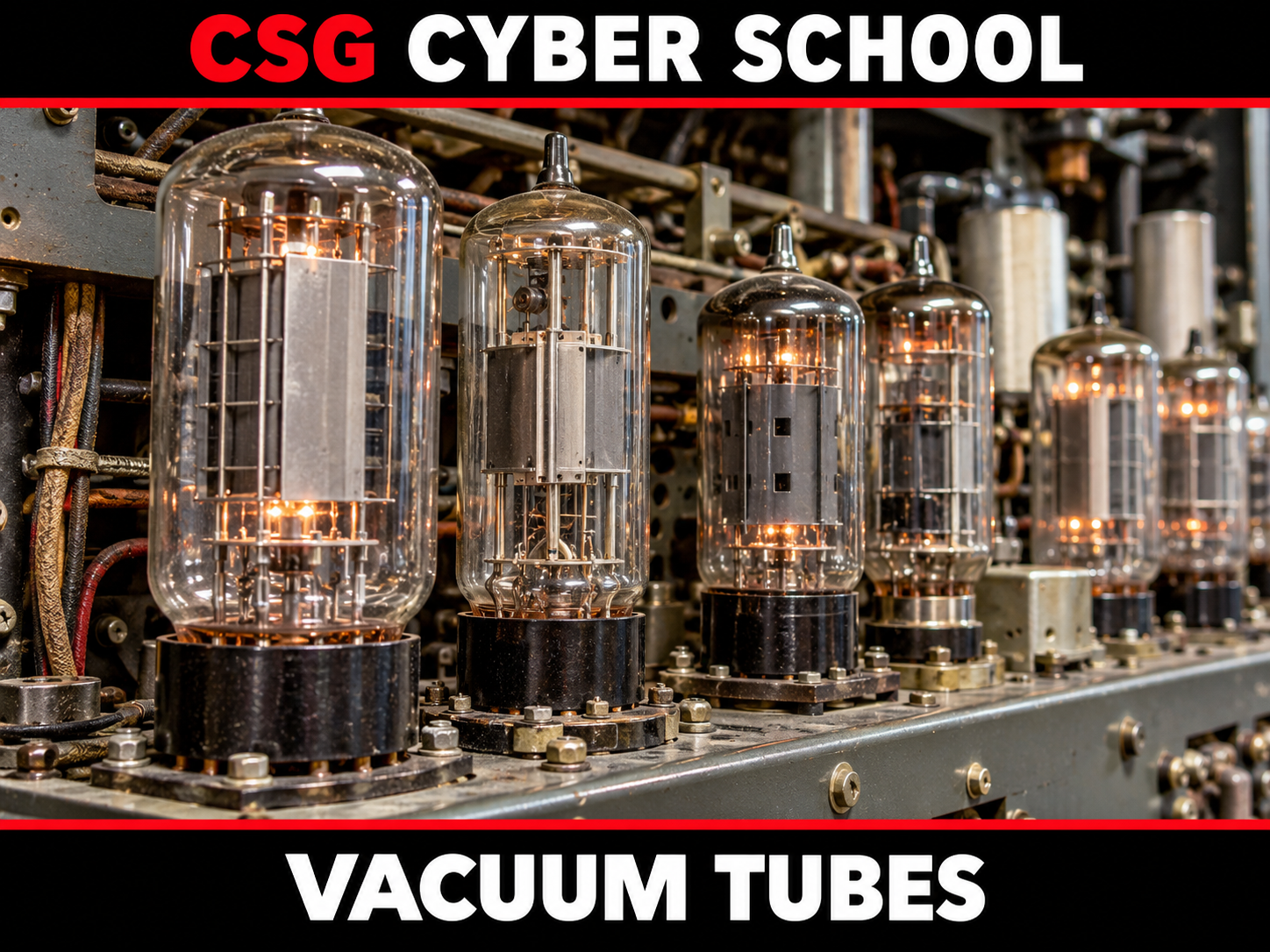
First-generation computers used vacuum tubes and worked with binary instructions. Examples: ENIAC and EDVAC.
Vacuum tubes were used for processing.
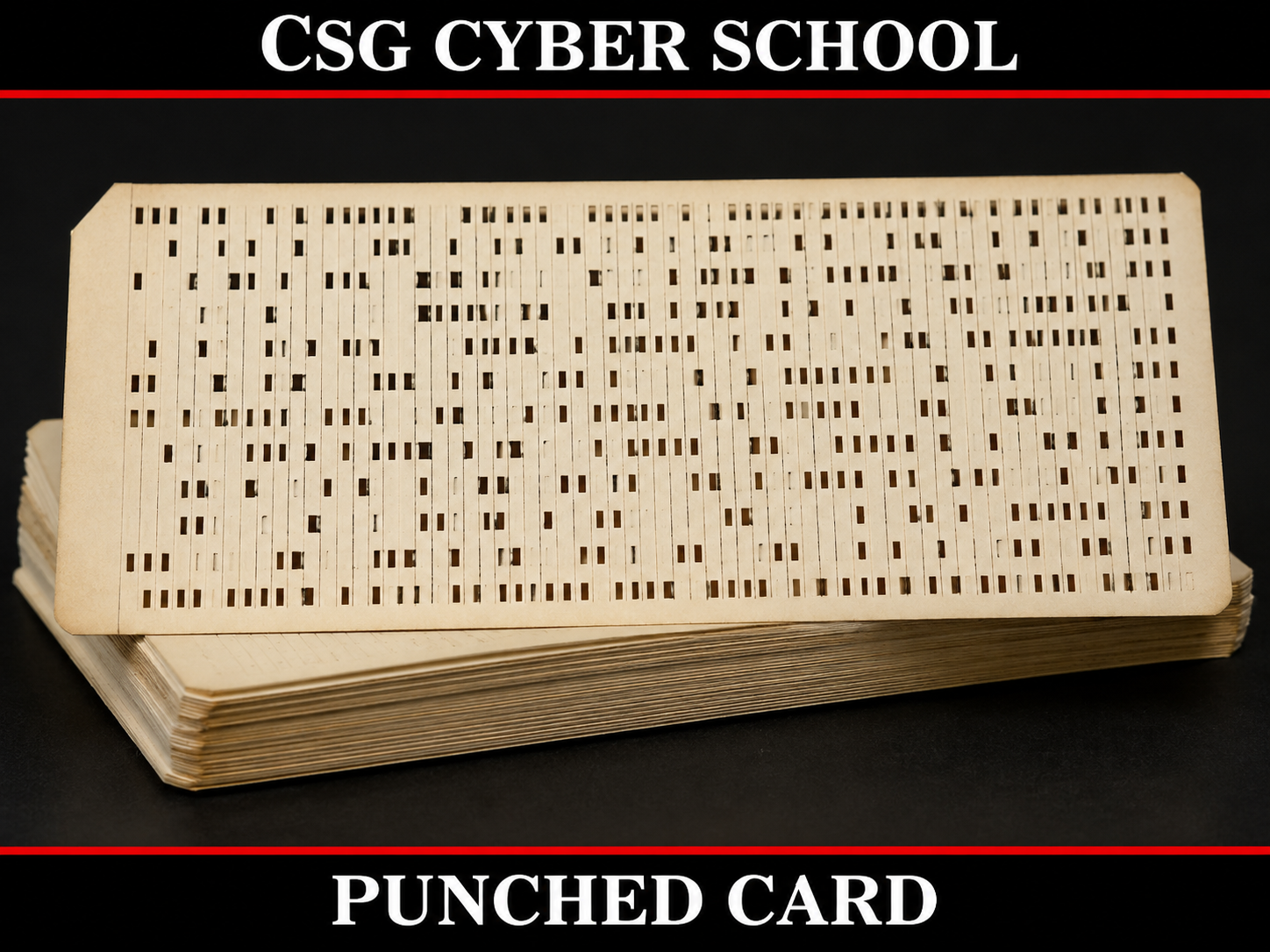
Punched cards were used for input and output.
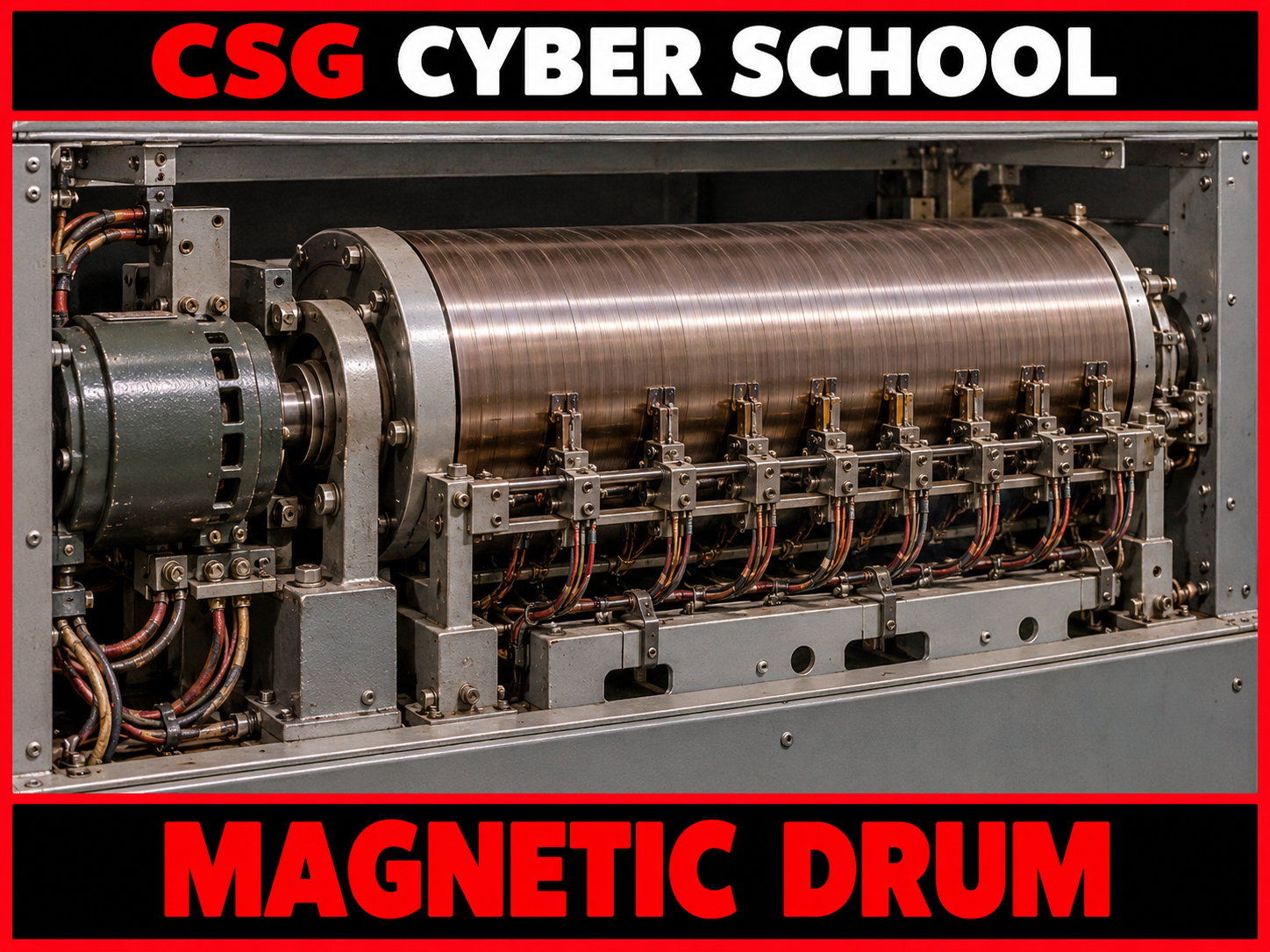
Magnetic drums were used for memory and storage.
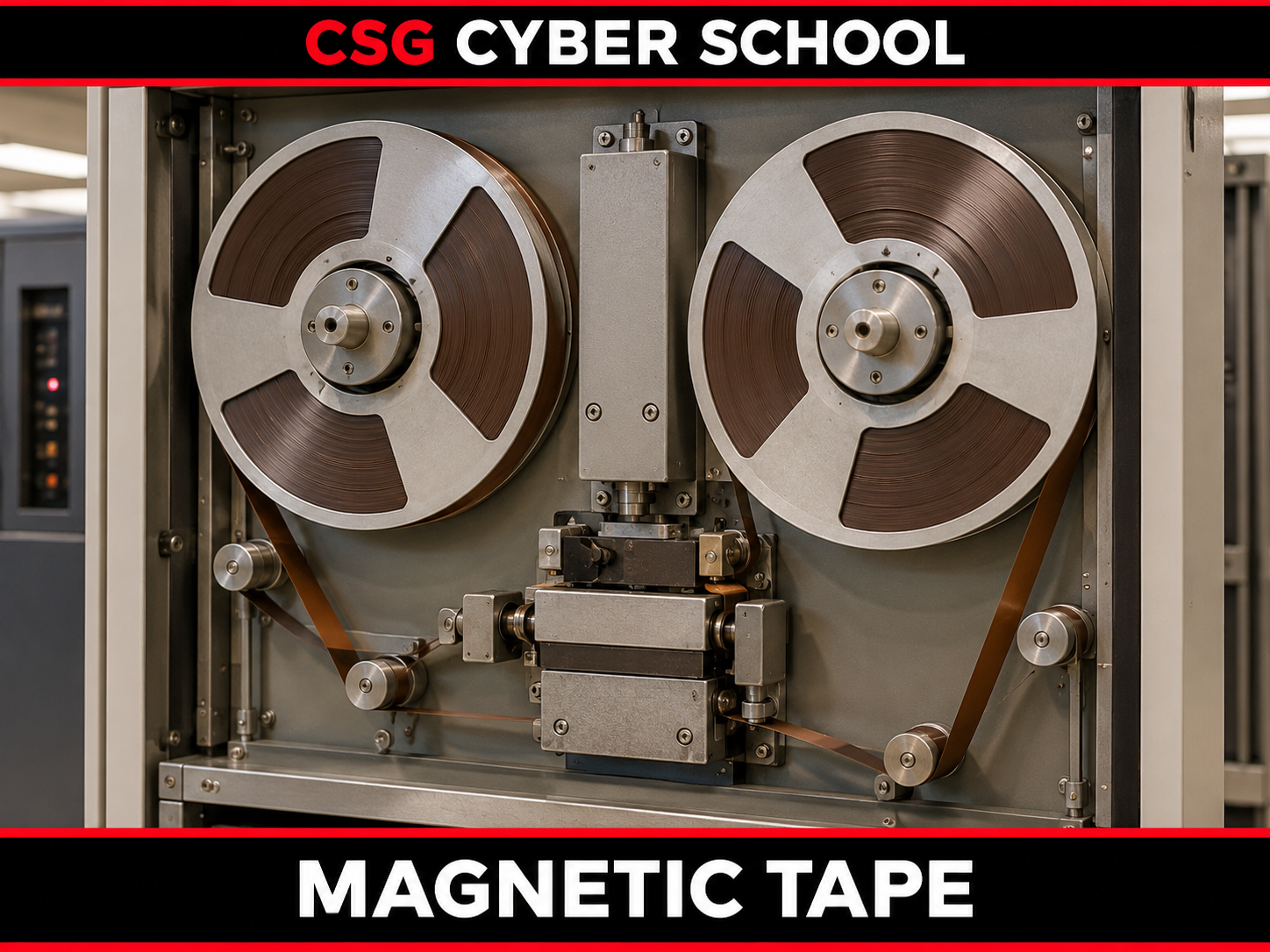
Magnetic tapes were used for data storage.
2. Second Generation (1956–1963)
Second-generation computers used transistors instead of vacuum tubes. Punched cards and magnetic tapes were still used. They were used for business, scientific research, and government applications. Examples: UNIVAC systems, IBM 1401, and IBM 7090.
3. Third Generation (1964–1971)
Third-generation computers used integrated circuits (ICs) and magnetic tapes for storage. Keyboards, monitors, and printers became common for input and output. They were mainly used for commercial purposes. Examples: IBM 360, IBM 370, and UNIVAC systems.
4. Fourth Generation (1972–2010)
Fourth-generation computers used microprocessors and semiconductor memory (RAM and ROM). Keyboards, monitors, printers, and scanners became common, and personal computers became widely available.
5. Fifth Generation (2010–Present)
Fifth-generation computing focuses on Artificial Intelligence (AI), Ultra-Large-Scale Integration (ULSI), nanotechnology, and emerging quantum computing. Modern devices include touchscreen laptops, tablets, and smartphones.
Components of a Computer
A computer mainly works through three components: Input, Processing, and Output.
1. Input Devices
The computer starts working when we enter data or give instructions through input devices.
2. Processing
After receiving input, the CPU processes the instructions with the help of RAM and ROM to produce results.
3. Output Devices
After processing is completed, the final result is displayed through output devices.
Input, Processing, and Output Diagram
Input Devices
Processing
CPU · RAM · ROM
Output Devices
Example: Addition (5 + 15)
- Input: We type 5 + 15 using the keyboard and press Enter. This instruction is given to the computer as input.
- Processing: The input goes to the CPU, which performs the calculation using RAM. ROM contains the computer's basic startup instructions.
- Output: After processing, the result (20) is displayed on the screen. This entire process is completed within milliseconds.